

Gotchas of Testing Subscriptions with Sandbox, Part 1
When you need to test in-app purchases in your apps, Apple lets you create sandbox tester accounts, so you don’t have to create real Apple IDs just to test the purchase flow.
But when you try to pay for in-app purchases with the sandbox account, the process is a bit weird:
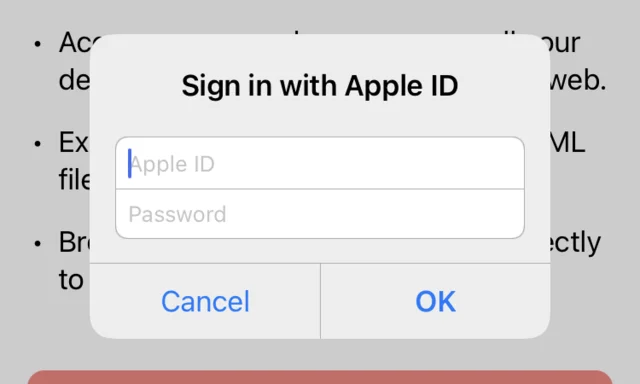
You sign in with the sandbox account.
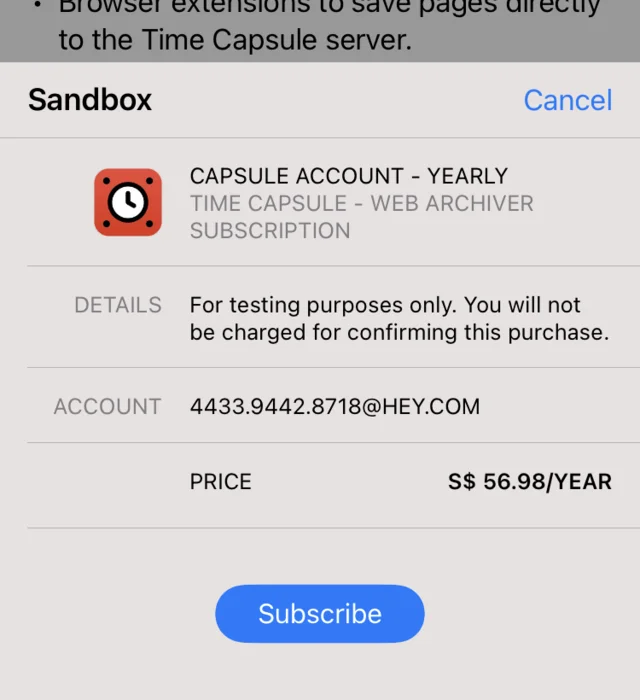
A sheet slides up, and you tap Subscribe.
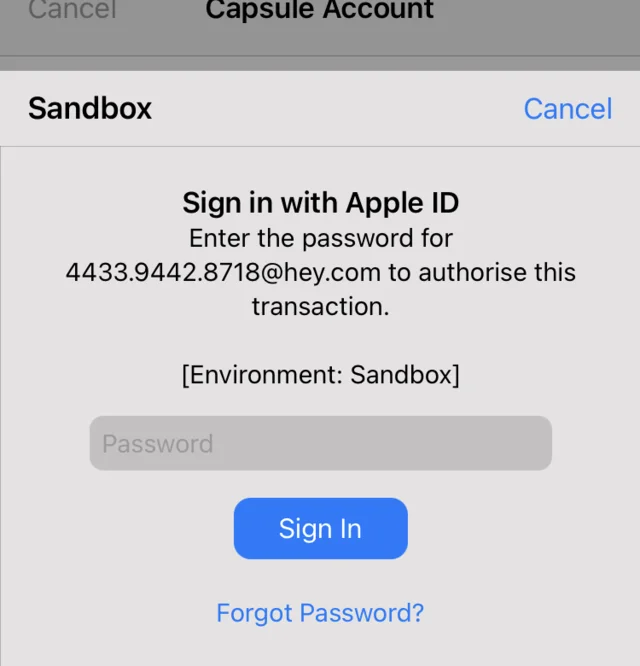
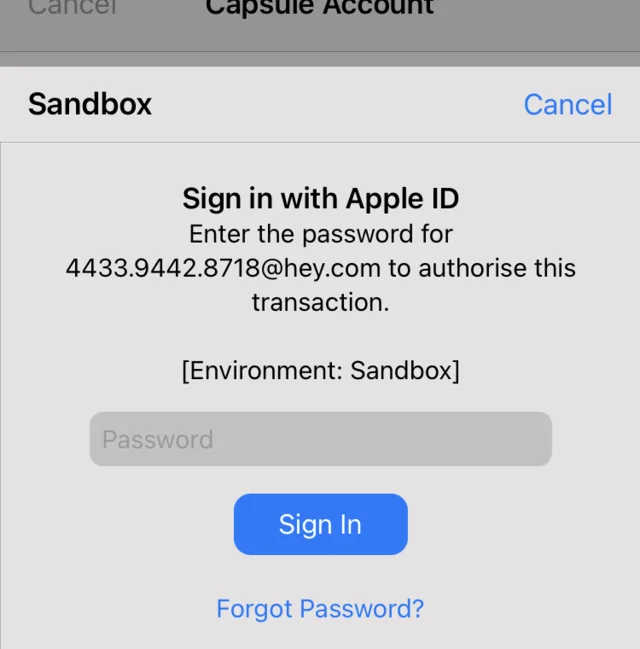
You enter the password for the sandbox account. (Didn’t you just sign in?)
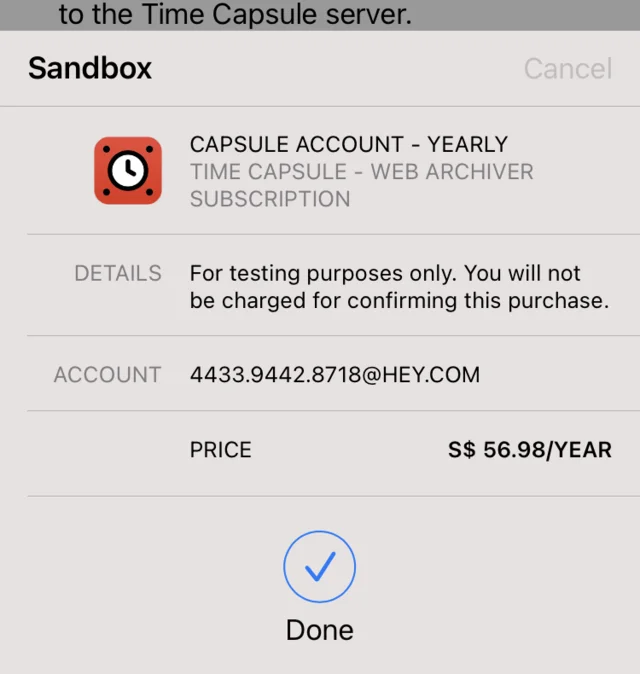
The subscription appears successful.
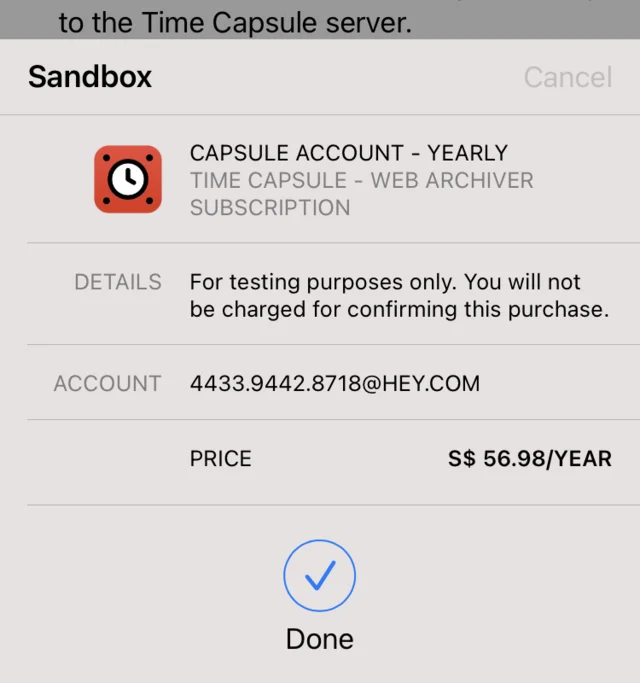
The subscription sheet slides up again, and you tap Subscribe again. (???)
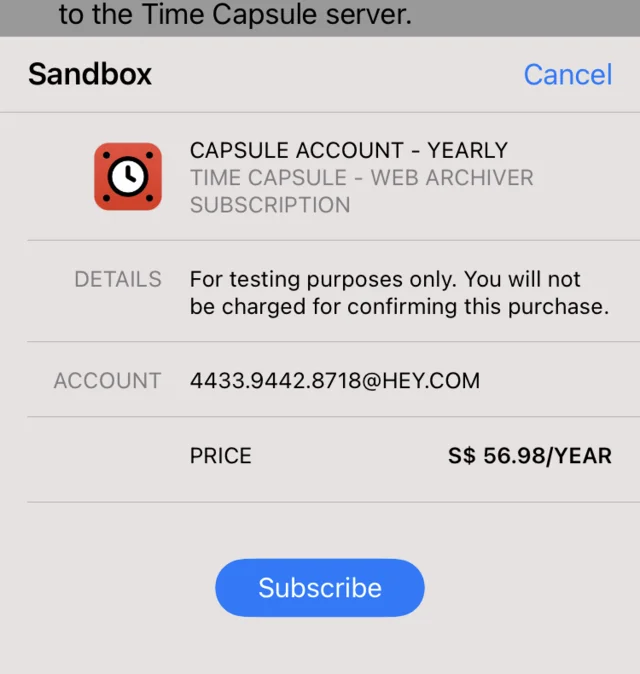
You enter the password for the sandbox account again.
The Done animation shows up again.
An alert pops up, saying the subscription is finally successful.
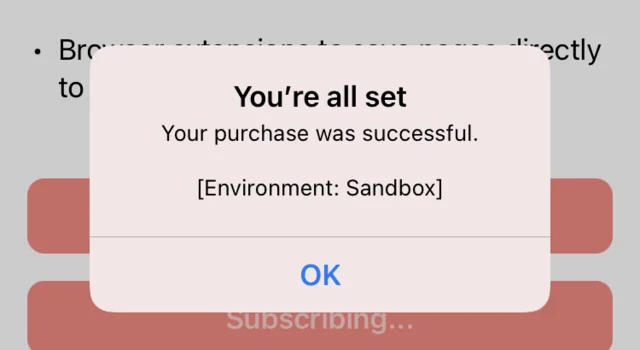
Now, it’s not a bug in your code and will not happen in production. So I guess it’s… fine?